Whole-Network VPN: Privacy and Speed
A VPN app on your phone protects your phone. A VPN client on your laptop protects your laptop. But what about printers, kiosks, point-of-sale terminals, or any device where you can’t install a VPN client? What about devices where you can install one but don’t want to manage updates, configurations, and making sure it’s actually running?
Wirebump runs VPN protection at the network level. Every device, every application, without touching individual endpoints.
Network-level protection works alongside device-level VPNs, not instead of them. For defense in depth, you can run both. Wirebump is new software. Treat it as an opportunistic upgrade to your network security, not as the only layer.
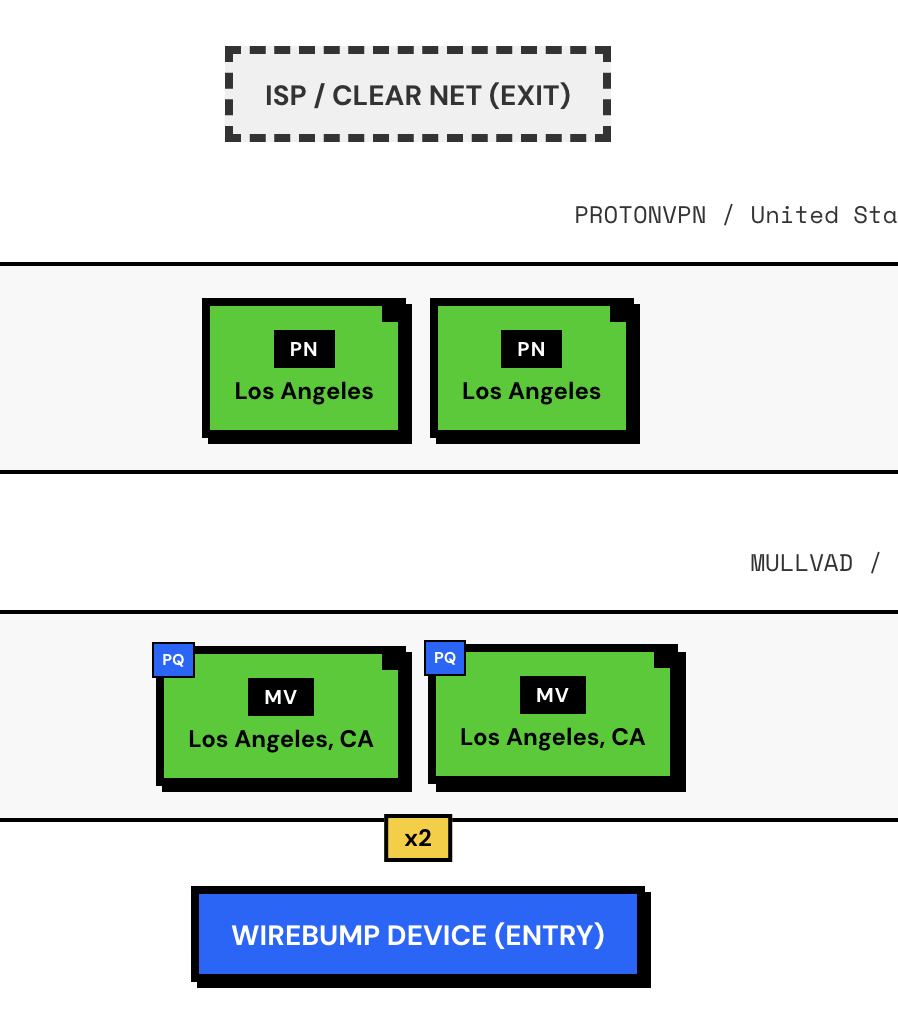
What Your ISP Sees (Without a VPN)
Even when your connections are encrypted, your ISP can see a lot:
Your devices -> Router -> Modem -> ISP -> Internet | ISP sees: - Every IP you connect to - DNS queries (what sites you're looking up) - How much data, and when - Connection patterns across all your devicesEncryption hides the content of your traffic. It does not hide who you’re talking to.
Single VPN: Shifting Trust
With Wirebump, you can route all traffic through a VPN provider:
Your devices -> Router -> Wirebump -> Modem -> ISP -> VPN Provider -> Internet | | encrypts everything decrypts, forwardsWhat changes:
| Who | What they see |
|---|---|
| ISP | Only that you’re connected to a VPN, plus data volume and timing |
| VPN Provider | Everything your ISP used to see, plus your real IP address |
This is useful if you trust your VPN provider more than your ISP. But you’re still trusting someone with the full picture.
Chained VPNs: Split Knowledge
Wirebump can nest one VPN connection inside another. This splits what any single provider can know about you.
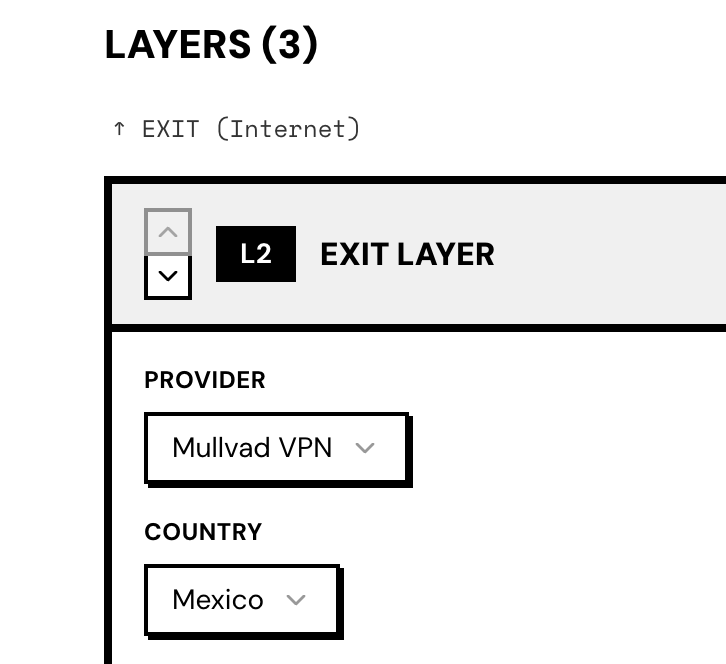
Two Hops
Wirebump -> VPN #1 -> VPN #2 -> Internet| Who | What they see |
|---|---|
| VPN #1 | Your real IP, but only sees a connection to VPN #2. No DNS, no destinations. |
| VPN #2 | All your traffic and DNS queries, but only sees VPN #1’s IP. Not yours. |
No single provider has both your identity and your browsing activity.
Three Hops
Wirebump -> VPN #1 (entry) -> VPN #2 (middle) -> VPN #3 (exit) -> Internet| Who | What they see |
|---|---|
| VPN #1 | Your IP -> connection to VPN #2 |
| VPN #2 | VPN #1 -> connection to VPN #3 |
| VPN #3 | VPN #2 -> your actual traffic |
This achieves split knowledge across providers, similar in structure to how Tor separates entry, relay, and exit nodes. The key difference: Tor rotates circuits automatically and adds traffic padding. Wirebump does neither. You choose when to rebuild or switch circuits.
What you get is a platform for experimenting with different configurations. Some offer more privacy, some prioritize speed. How you use it determines the tradeoffs.
Load Balancing: More Speed
Commercial VPNs split their bandwidth across many users. Your allocated “slice” is rarely large enough to saturate a fast connection.
Wirebump can spread your traffic across multiple VPN servers in parallel using ECMP (Equal-Cost Multi-Path) routing:
|-> VPN Server A -|Wirebump -> Modem -> ISP -> Internet |-> VPN Server B -|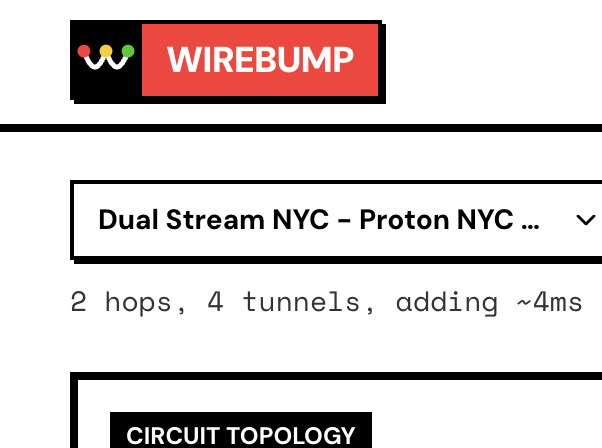
By aggregating bandwidth across multiple servers, you can scale your throughput to match your needs. This allows you to reclaim the maximum effective performance your connection can support.
Combined: Balanced + Chained
You can use both approaches together. For example:
|-> VPN #1a -> VPN #2a -|Wirebump -> Modem -> ISP -> Internet |-> VPN #1b -> VPN #2b -|This gives you the privacy benefits of chaining and the throughput benefits of load balancing.
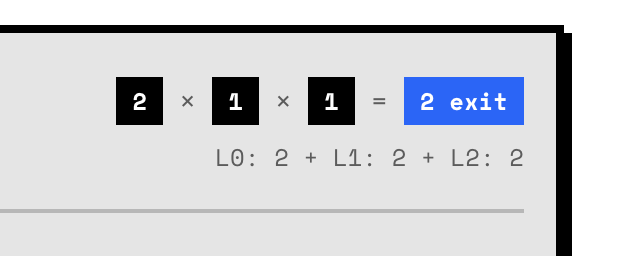
The numbers represent fanout at each layer. Here, traffic fans out to 2 servers at Layer 0, then each of those connects to 1 server at Layer 1, and each L1 connects to 1 server at Layer 2. So 2 x 1 x 1 = 2 parallel circuits. This configuration uses 6 VPN servers (2 at each layer) forming 2 independent chains running in parallel.
Summary
| Configuration | Privacy Benefit | Speed Benefit |
|---|---|---|
| Single VPN | Hides traffic from ISP | Limited by one server |
| Chained (2+ hops) | No single provider sees full picture | Slight latency increase |
| Load balanced | Same as single | Near line-speed throughput |
| Balanced + chained | Split knowledge | High throughput |
All of this happens at the network level. Your devices don’t need any configuration. Wirebump handles it for every device, every app, automatically.
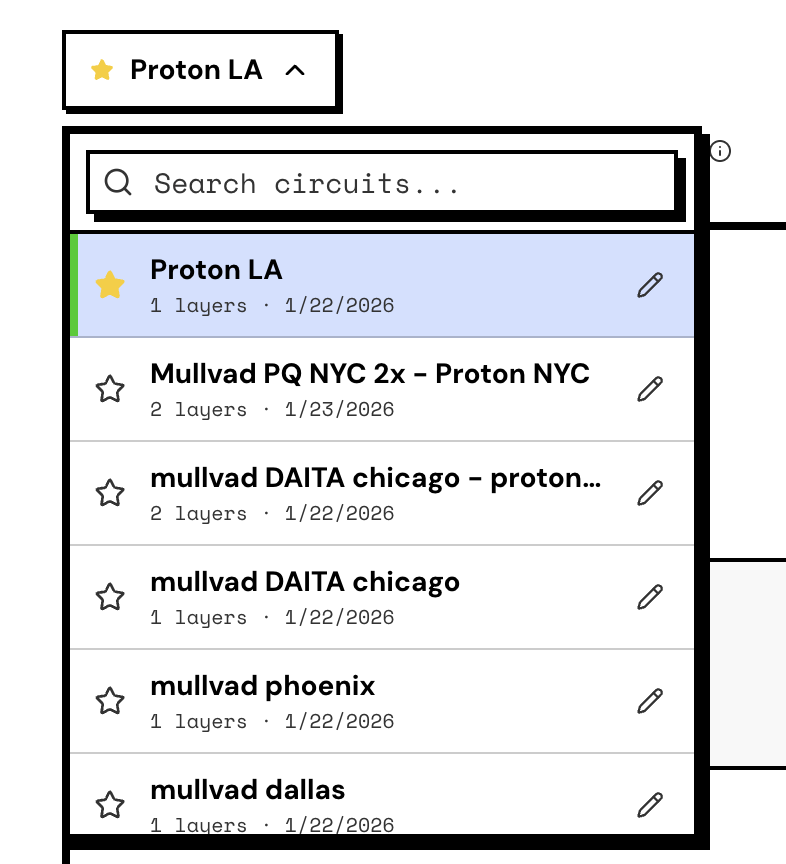
Save your favorite configurations as named circuits. Switch between them instantly, even mid-call.
When Things Go Wrong
VPN servers get overloaded. Endpoints go offline. When it happens, you’ll usually notice degraded performance or jitter rather than a hard drop.
Wirebump doesn’t have automatic failover. But recovery is fast: open the interface, hit rebuild, and you’re back on fresh servers. Or switch to a different saved circuit with one click.
Compare that to a typical router VPN setup: you’re stuck with one config file, and changing it means manual steps. Here, you’re one click away from a working alternative.
Next Steps
- Traffic Shaping - Keep video calls smooth even during large transfers
Test on a Live USB first. Nothing permanent until you install. Installation guide